AgFrogfan said:
I was just wondering because I have quite a few saved on my hard drive from the mid 2000's that have been scrubbed from the wonderful wide web.
.GIF is not the same thing as .JPG / .JPEG or .PNG.
AgFrogfan said:
I was just wondering because I have quite a few saved on my hard drive from the mid 2000's that have been scrubbed from the wonderful wide web.
YouBet said:AgFrogfan said:
I was just wondering because I have quite a few saved on my hard drive from the mid 2000's that have been scrubbed from the wonderful wide web.
.GIF is not the same thing as .JPG / .JPEG or .PNG.


YouBet said:
I do not believe TexAgs will not let you directly upload a .GIF (animated pictures) from your computer, thus the message you were getting from TA earlier. You can only put .GIFs in your post by linking to a .GIF somewhere on the internet (which has its own fickle rules).
You can only directly upload .JPG or .PNG files (static pictures) from your computer.

 ?quality=90&strip=all&crop=0,0,100,100





Quote:
It's WAY easier to post gif's from the Texags App



AgFrogfan said:
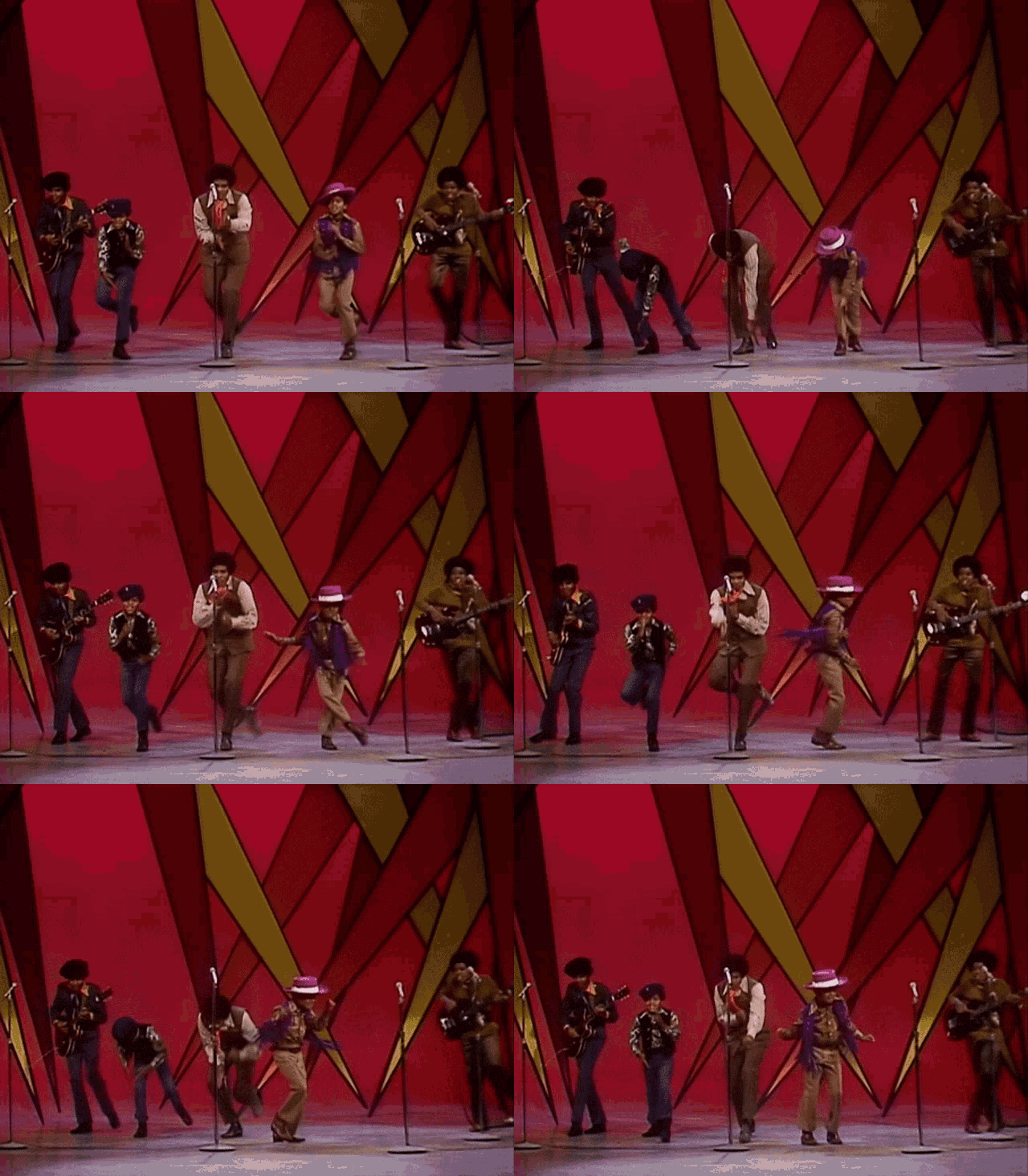
Seems like a .gif to me? Look I know I'm stupid. Just trying to get some help or clarification.
BadMoonRisin said:AgFrogfan said:
Seems like a .gif to me? Look I know I'm stupid. Just trying to get some help or clarification.
Two part question:
1.Did you figure this part out? Yes!
2.Did you take a picture of your computer screen with your phone and post that instead of snipping it? Yes!
If you have a gif on your PC, you need to go here: https://imgur.com/upload and either click Choose Photo/Video, find the directory, and select the file or you can drag and drop it from a folder onto the screen. You need a host for your moving picture file. When it uploads...then, just do what you did before, baby.
A B C, easy as 1 2 3!
The Nerdery believes in you.


AgFrogfan said:


